

How to Request a Verified Specialist in Minutes
Discover certified electrical, plumbing, HVAC, painting, and carpentry solutions delivered by verified trade specialists near you.
How to Register & Use the TouchUp App as a Customer
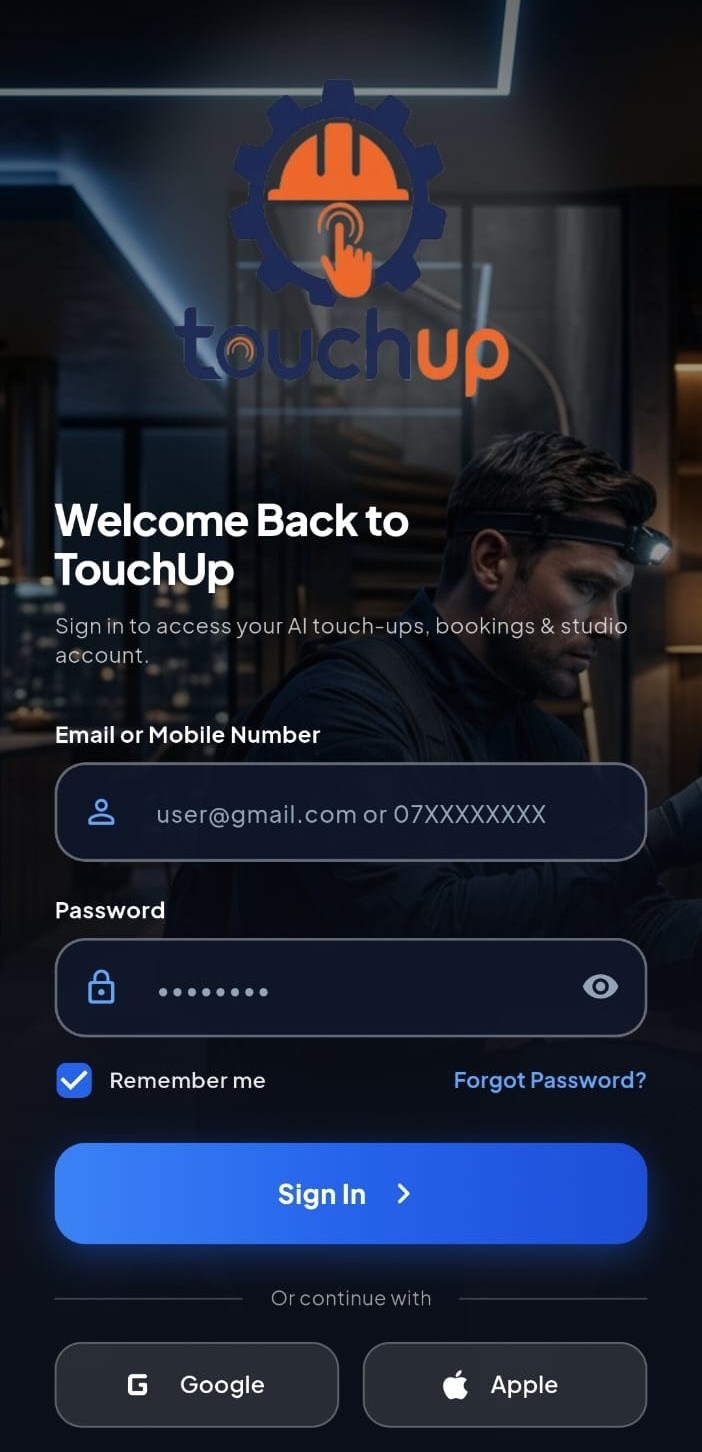
Download the app and create your account
Sign up with your first and last name, ID number, mobile number, address, and a password. Your email and location are optional. We'll text you a 6-digit code to verify your mobile number, and the code expires after 5 minutes. Next time, just log in with your mobile number and password.
.jpeg)
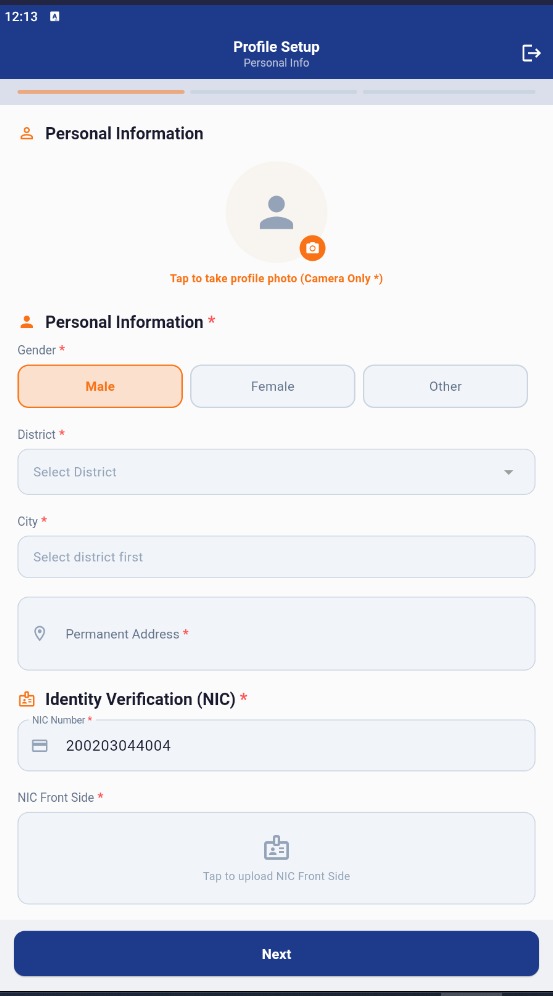
Set up your profile
Add a profile photo, confirm your address, and turn on GPS so TouchUp can find providers near you. You can also choose your preferred language. You can update these details anytime from your profile.
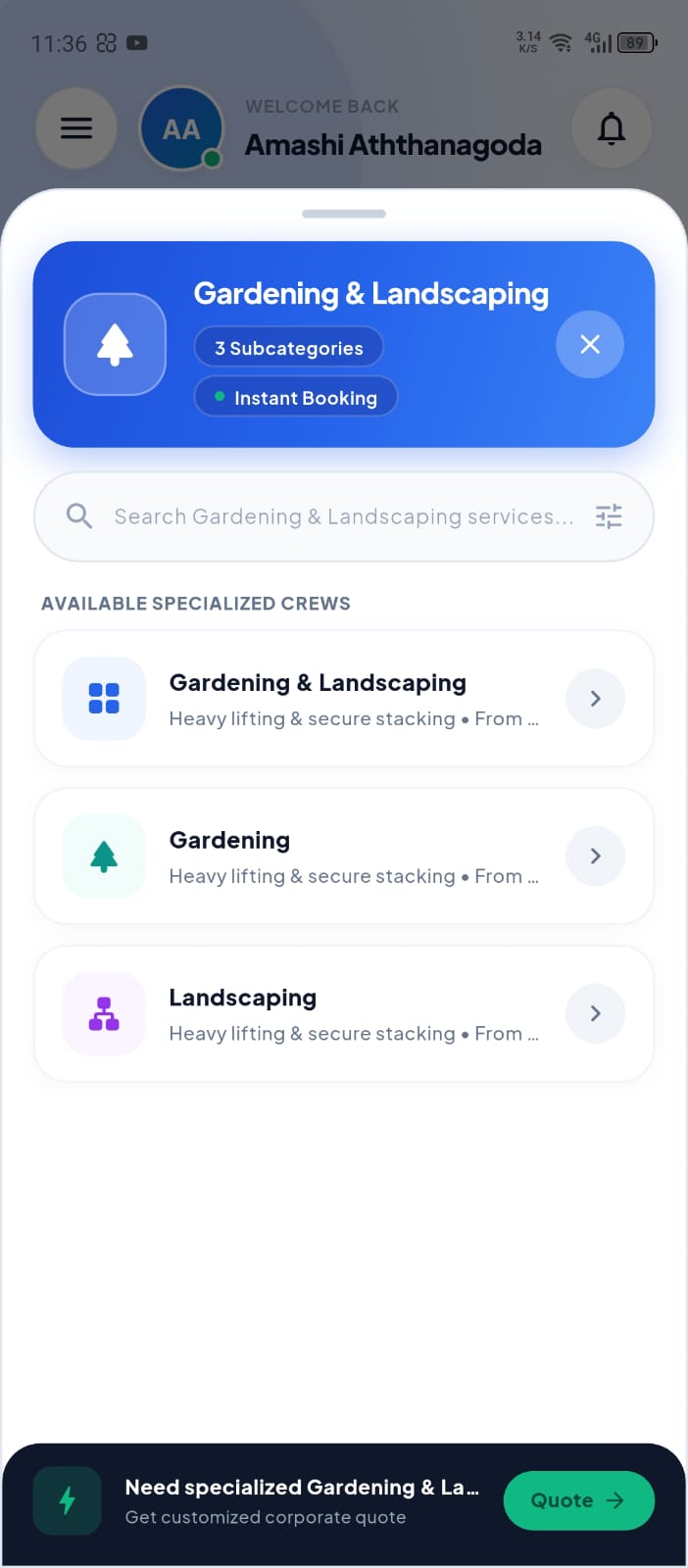
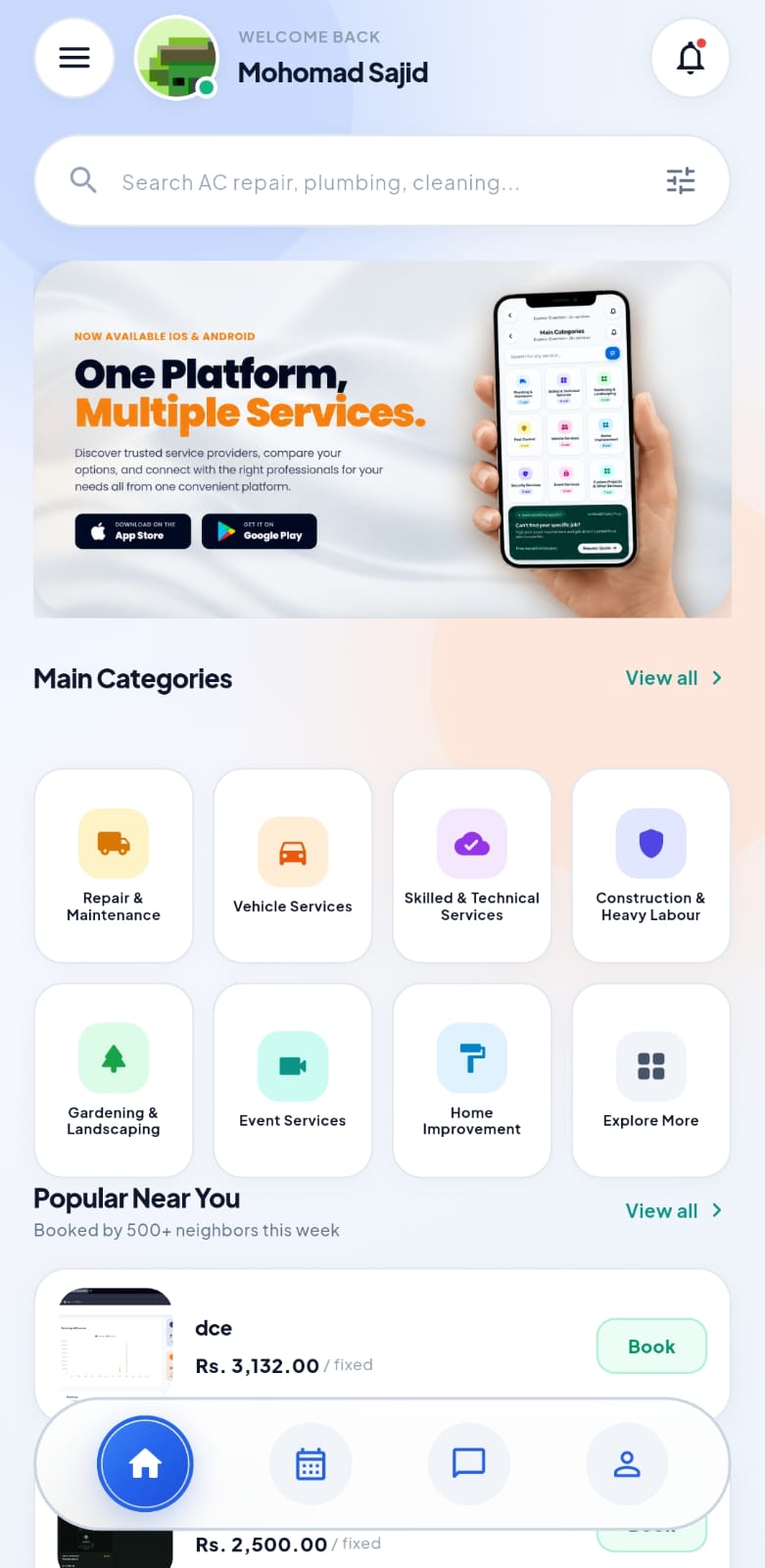
Find a service or post a request
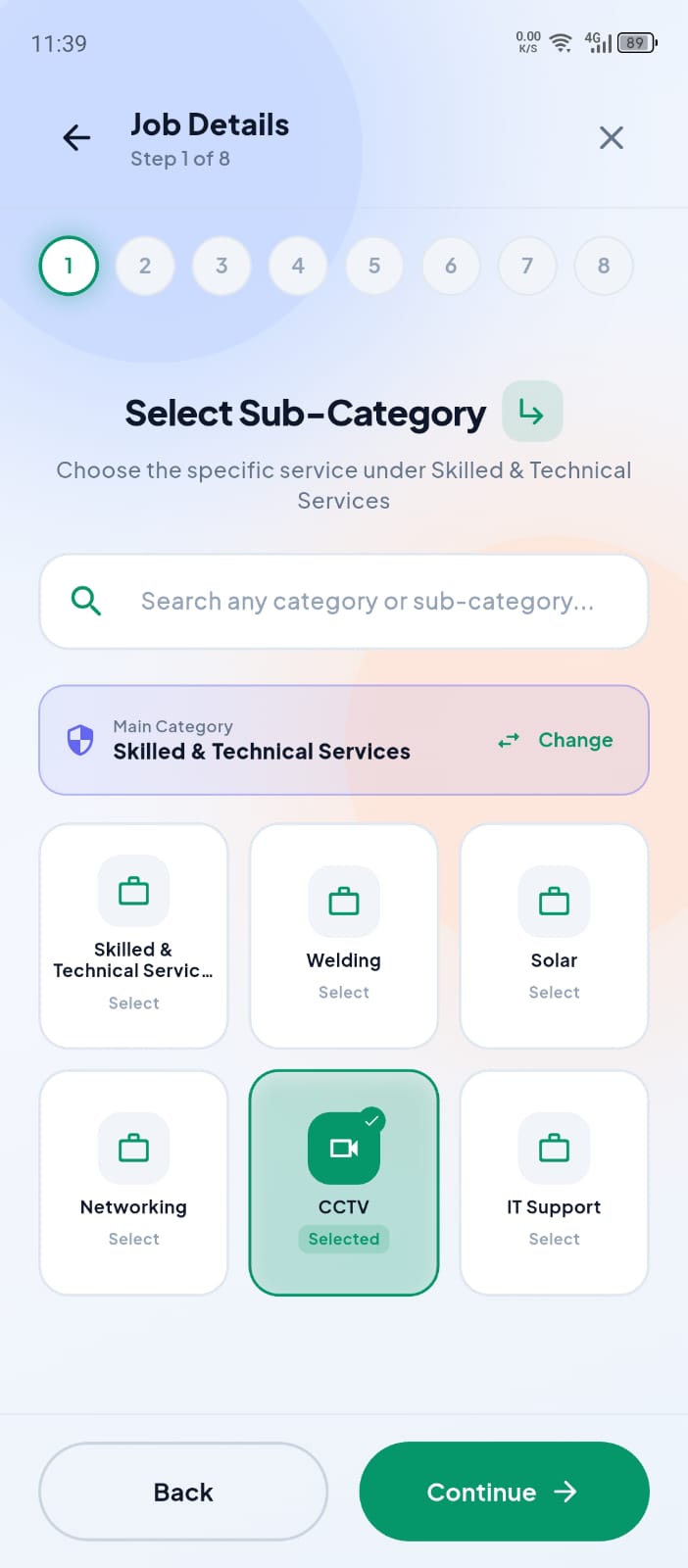
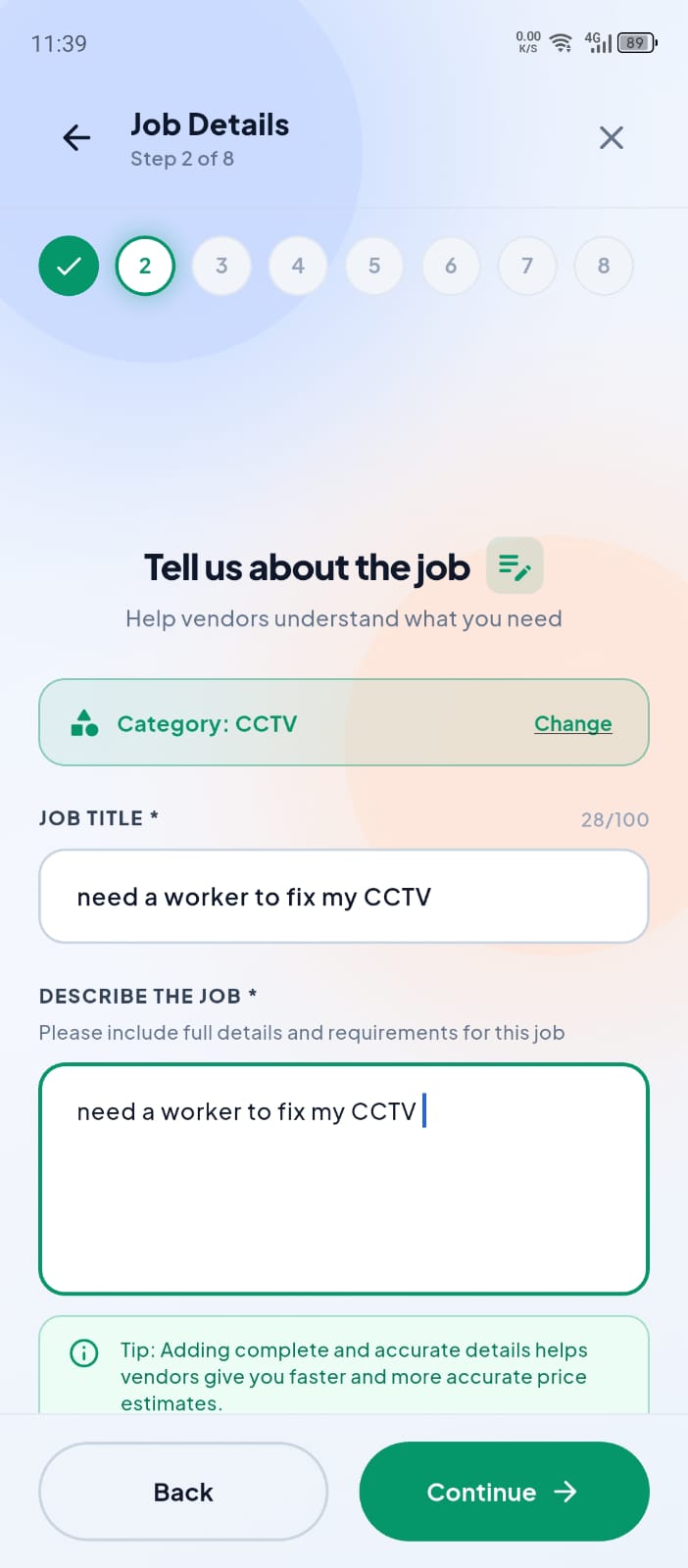
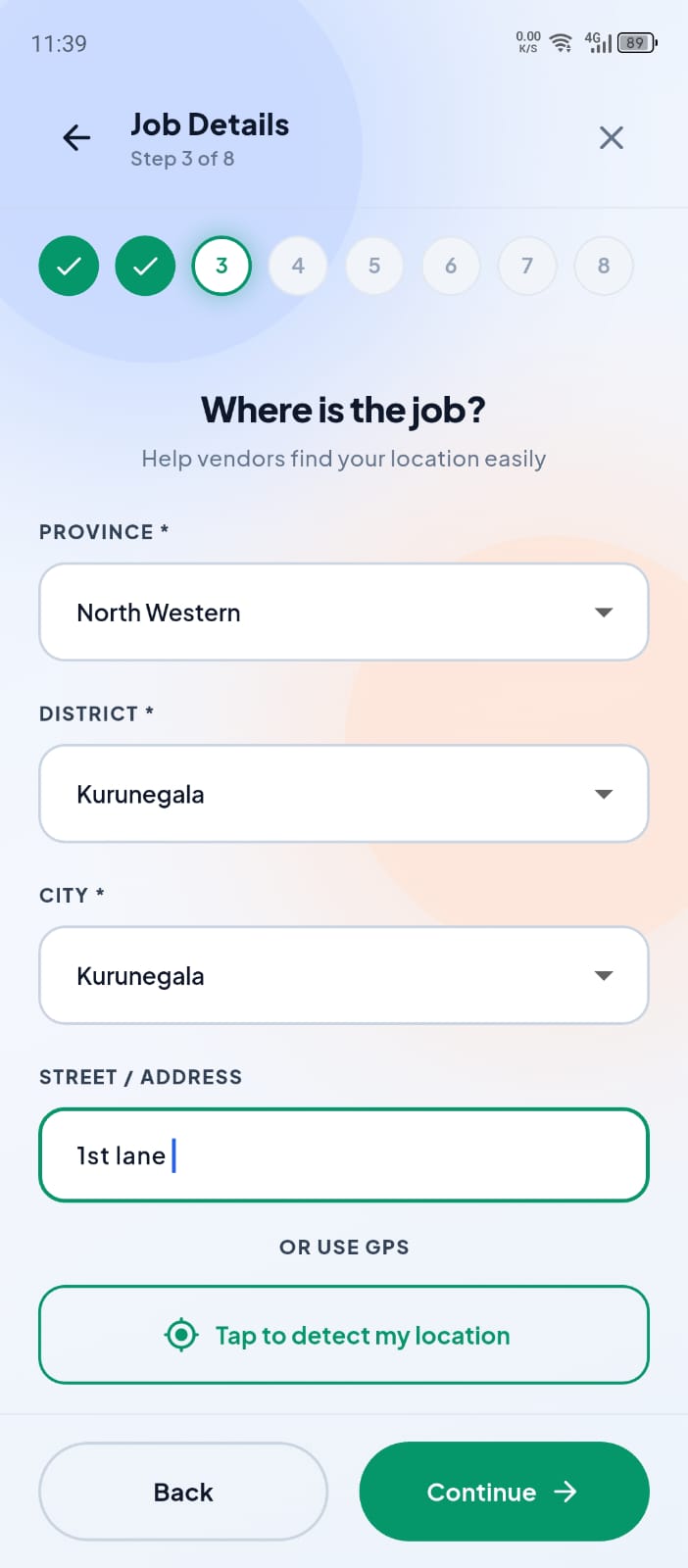
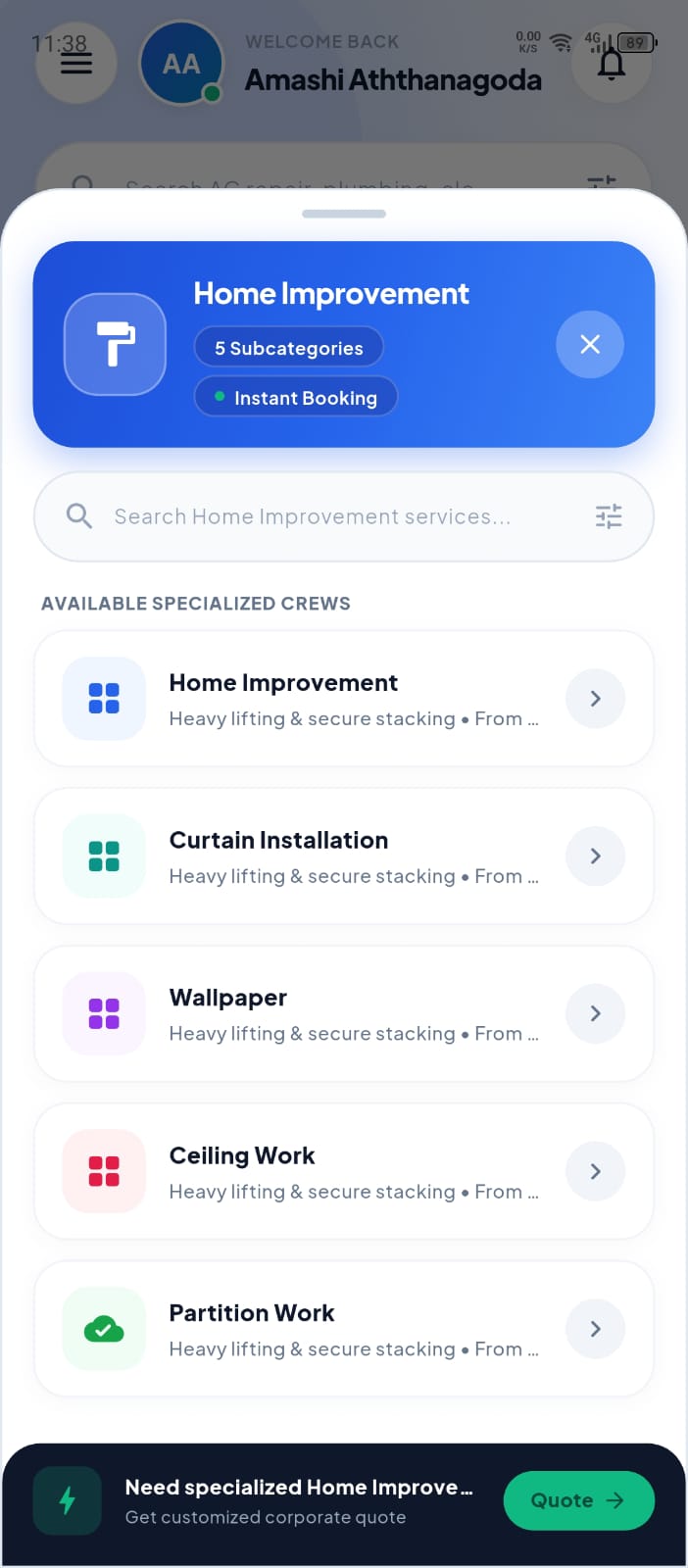
Browse verified providers by category, such as cleaning, repairs, painting, or moving. Can't find exactly what you need? Post a custom request with a title, description, location, schedule, and budget, and attach up to 10 photos. Your budget can be a fixed amount, a price range, or "open to quotations." You can also choose whether materials are supplied by you, the provider, or shared. Matching providers nearby are notified straight away.
.jpeg)
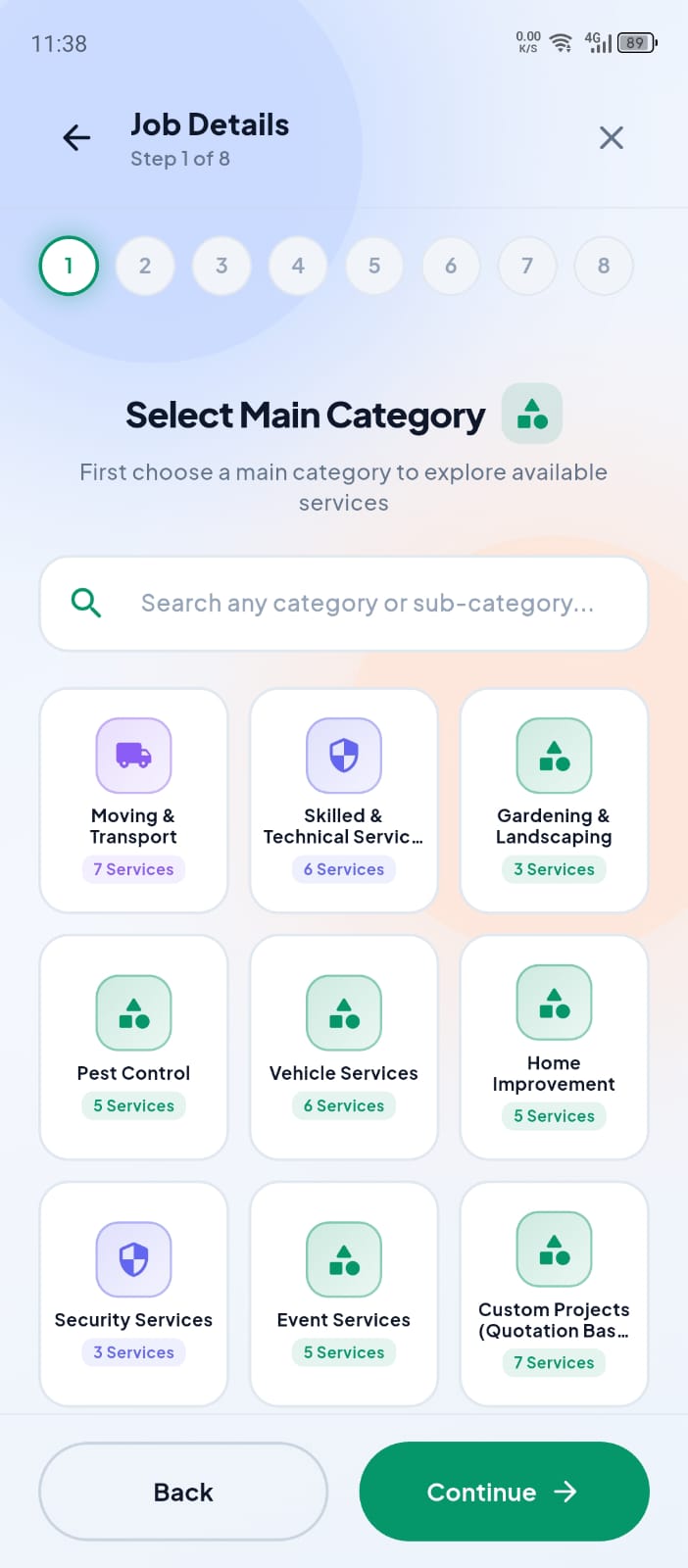
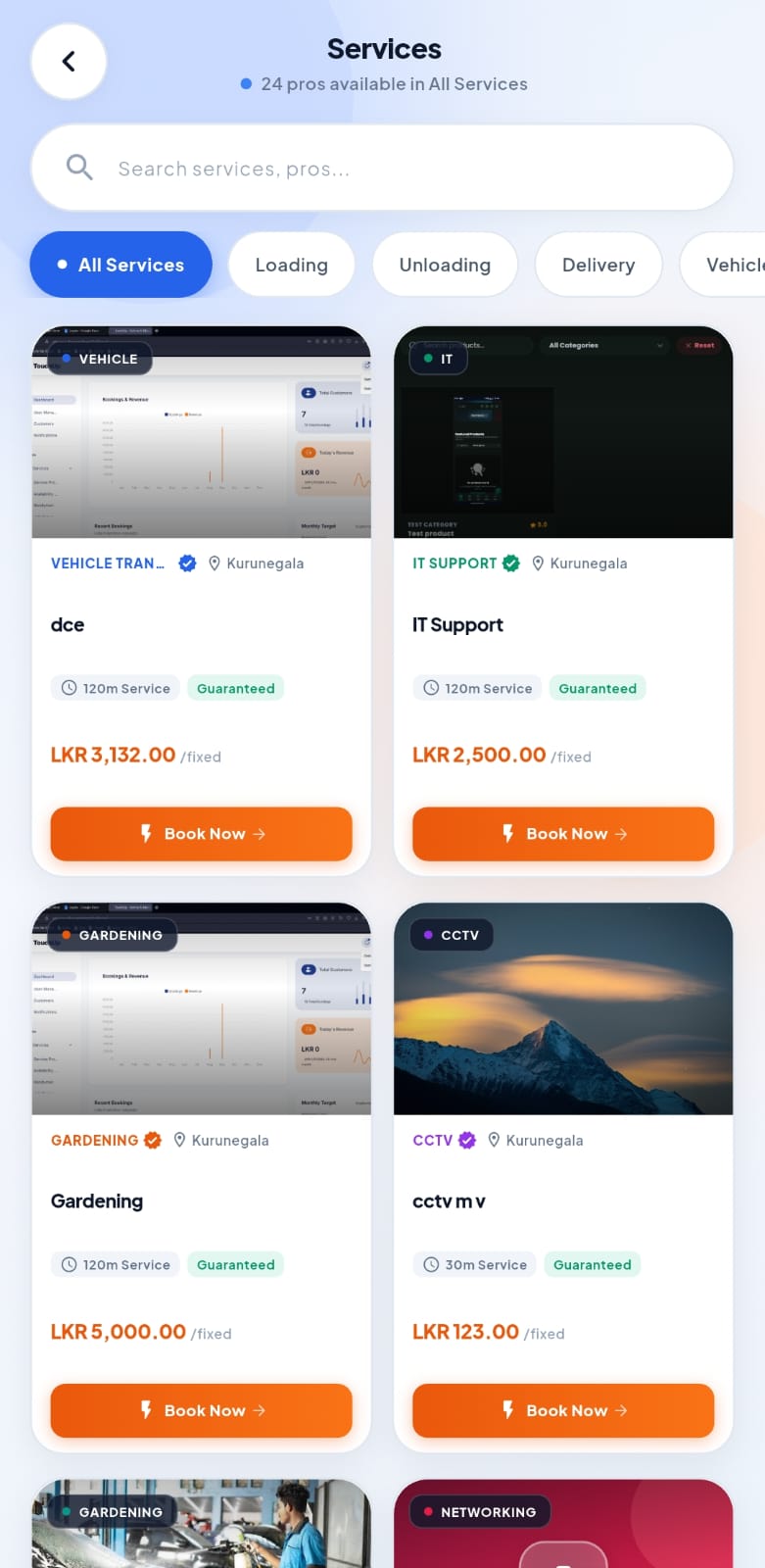
Compare quotes and choose your provider
Quotes arrive in the app showing each provider's price, star rating, completed jobs, and message. Chat with them, ask for a revision, and accept the one that suits you. Once you accept, the other quotes are declined automatically and your booking is created.
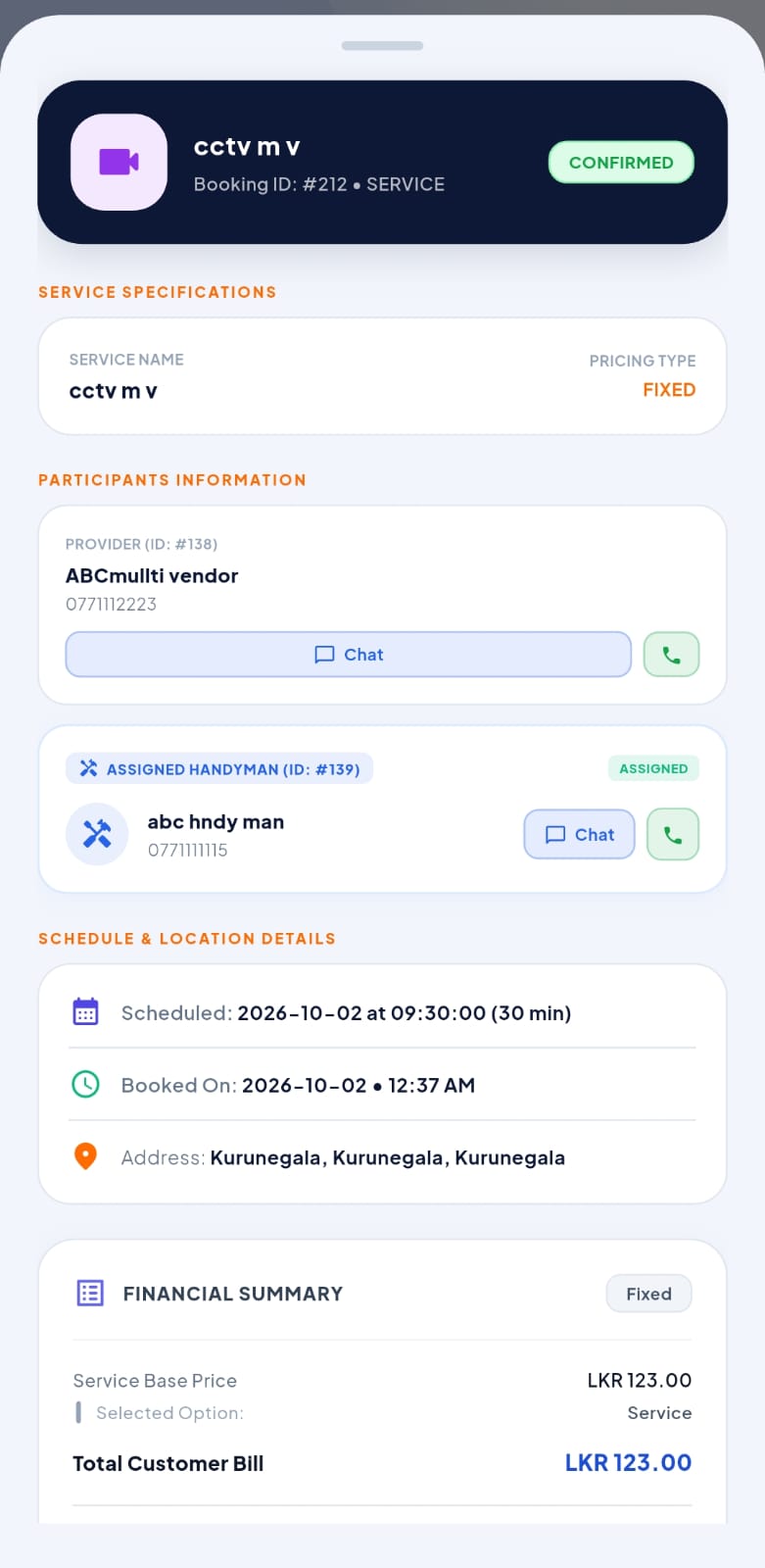
Pay securely and start the job
Pay a deposit (20% by default) by card, mobile wallet, or bank transfer, or choose cash on completion. We'll show you the payment policy before you pay. Card and wallet payments are held safely by TouchUp until the job is done. When your provider arrives, you'll receive a Start Code. Share it with them to begin the work. You can track progress photos and updates in the app, and approve any extra materials cost before it's added.
.jpeg)
.jpeg)
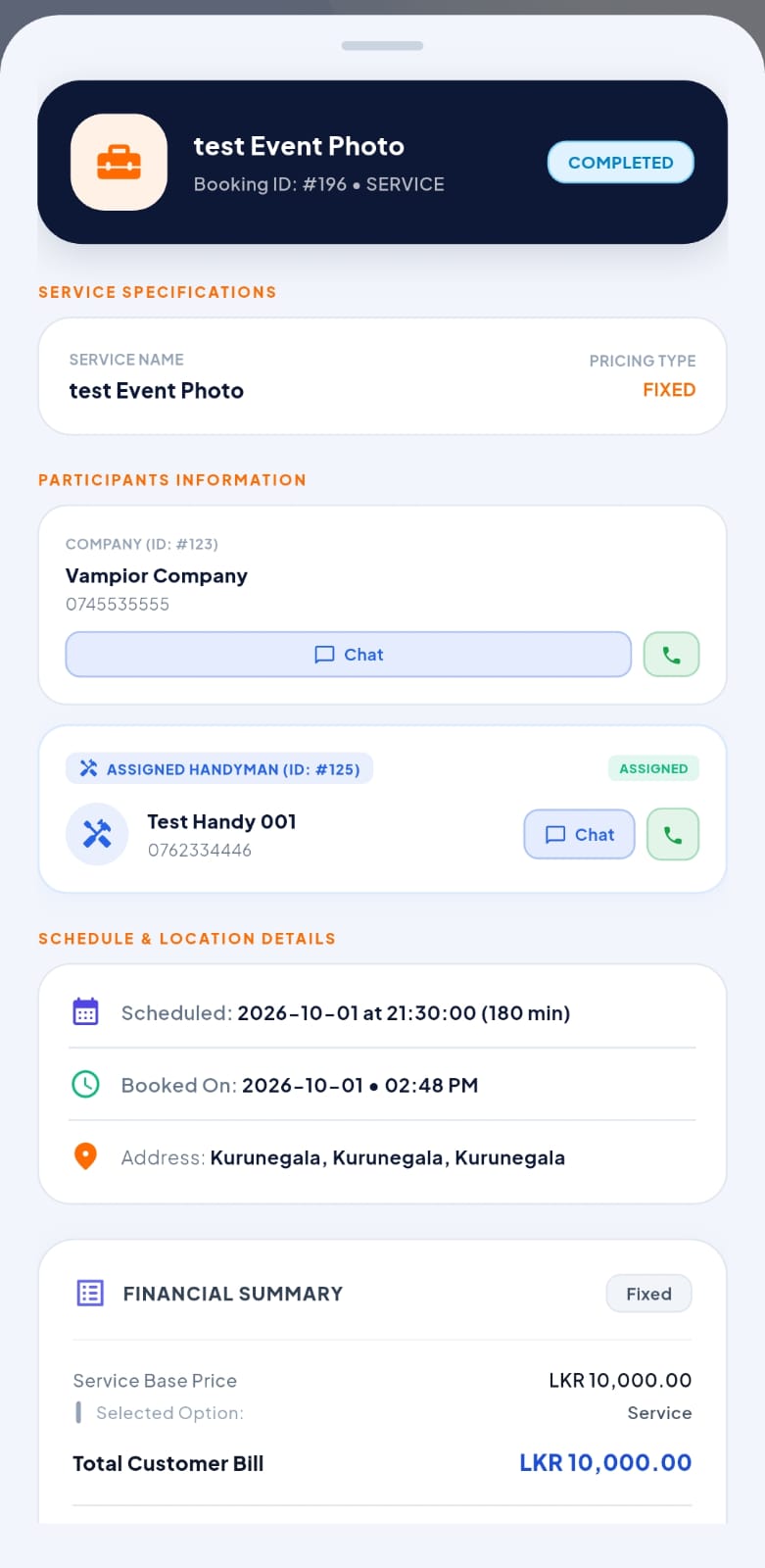
Confirm completion and leave a review
When the work is finished, check the completion photos and share your Completion Code to confirm. Your remaining balance is paid and the provider receives their payment. You then have 48 hours to rate your provider from 1 to 5 stars and write a short review (up to 500 characters), helping other customers choose with confidence.
Additional Customer App Screens
End-to-end booking flow, live radar tracking, secure digital receipts, and direct chat.
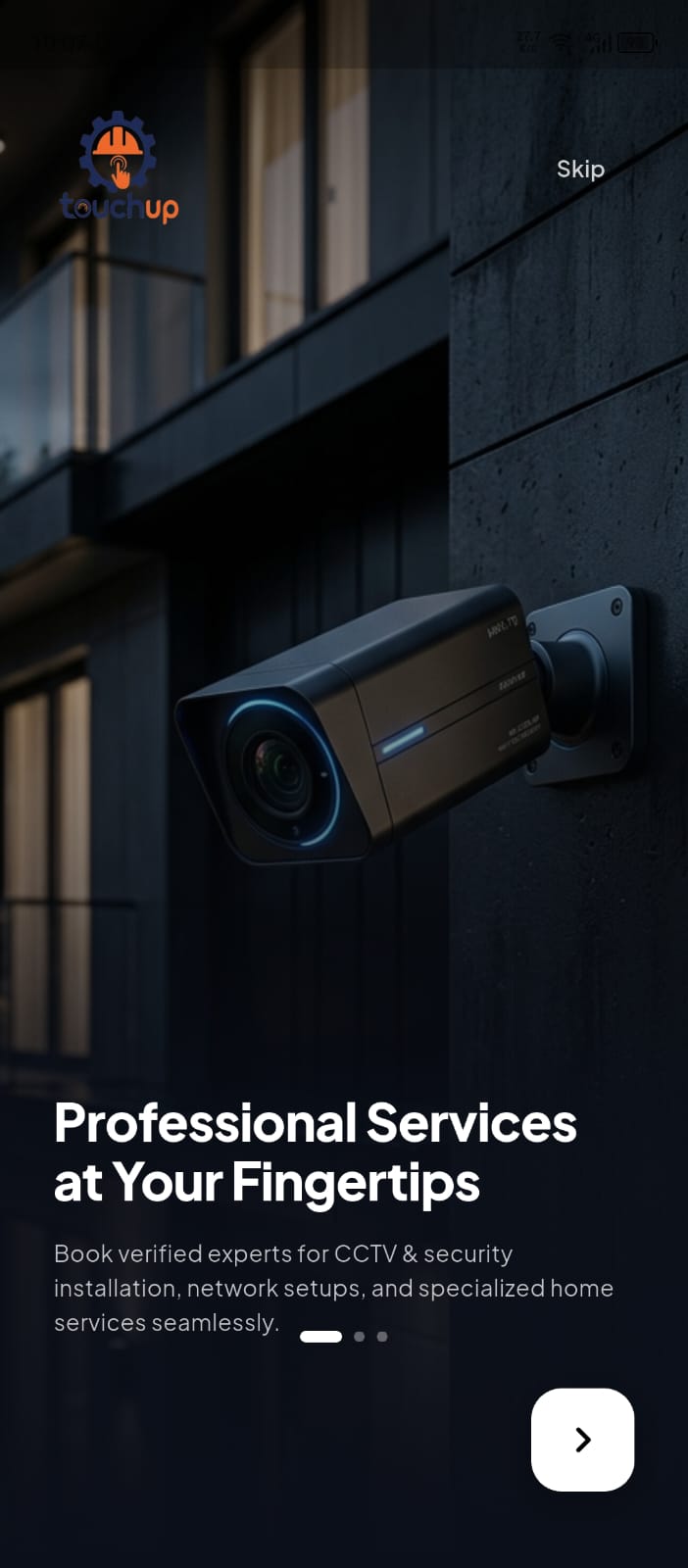
Ready To Book Your First Service?
Download the Touch Up app now and connect with verified electricians, plumbers, painters, and handymen near you.