

Turn Your Skills Into Steady Weekly Income
Stop chasing unpaid invoices and expensive marketing leads. Touch Up delivers pre-paid, verified client jobs straight to your phone.
How to Register & Use the TouchUp App as a Service Provider
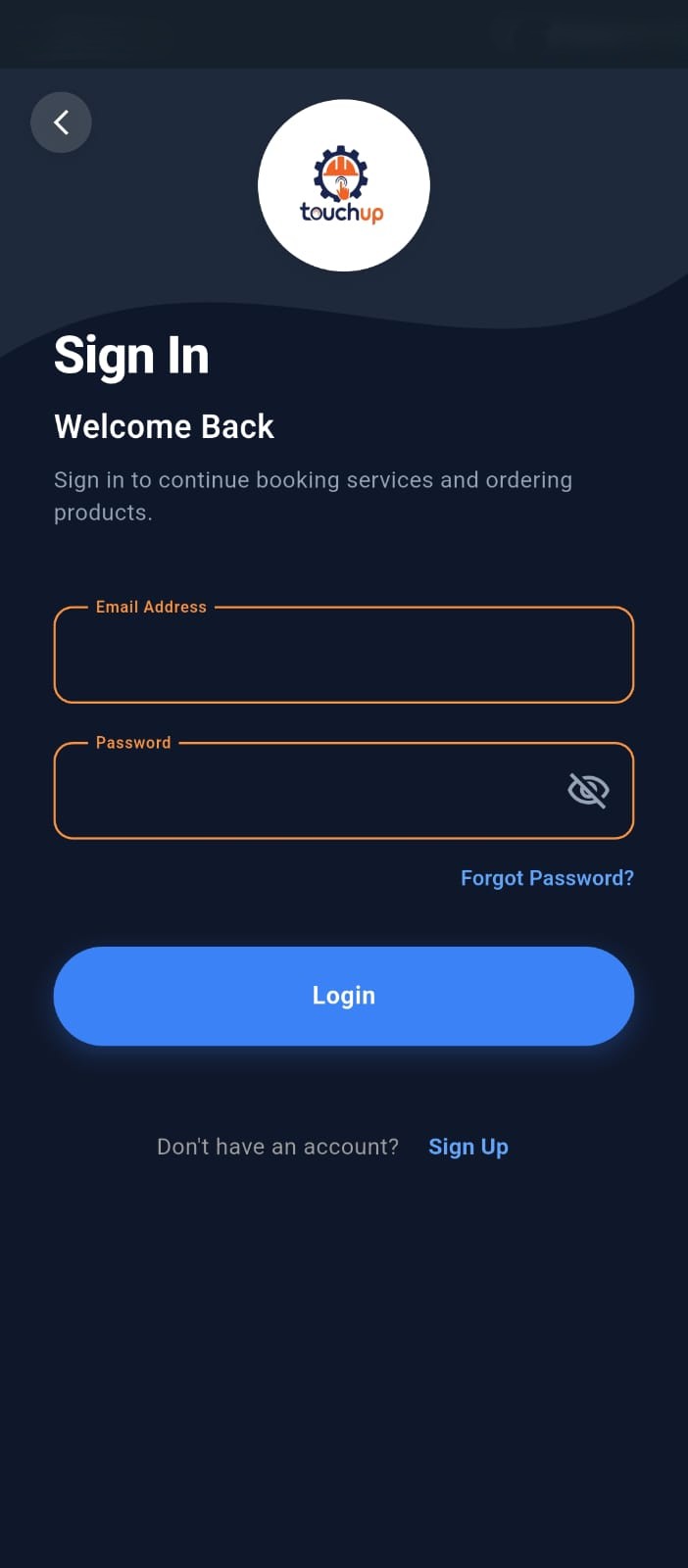
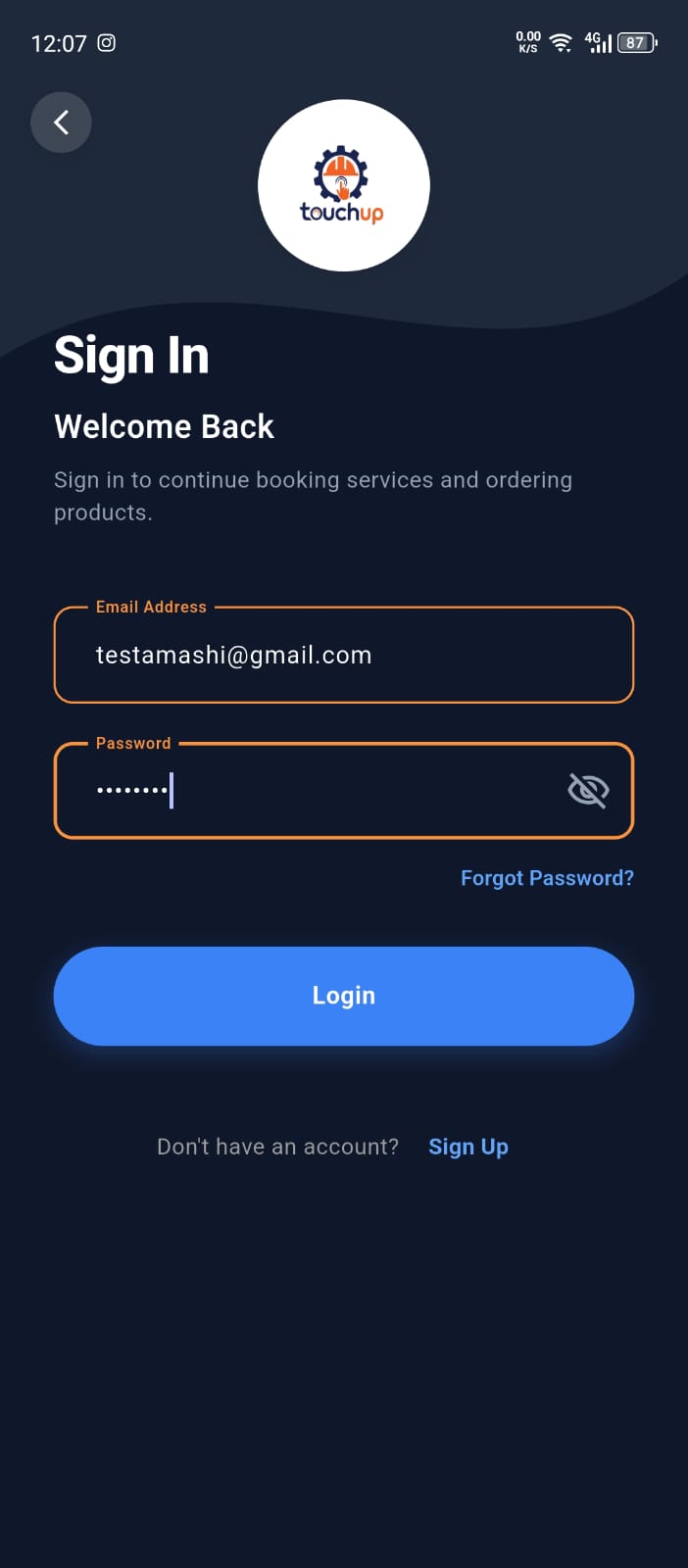
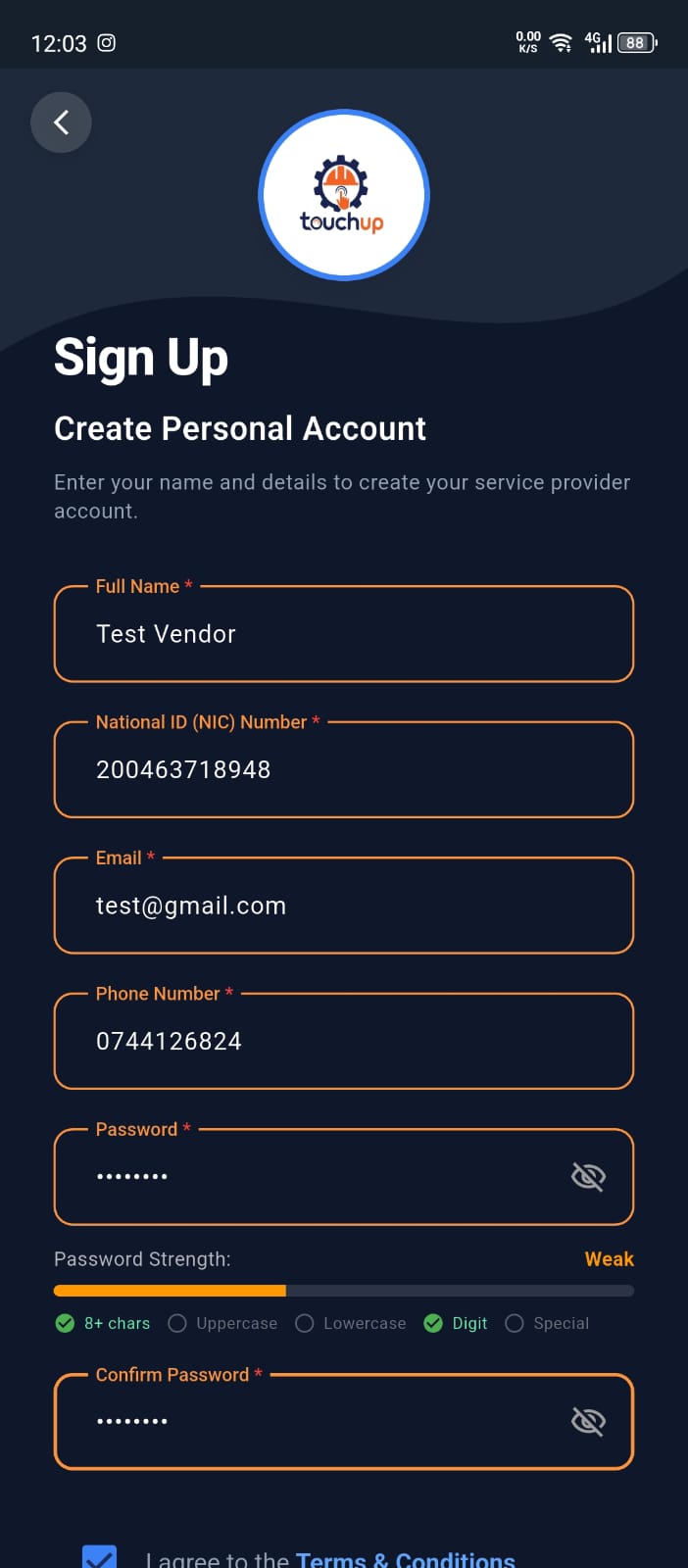
Download the app and create your account
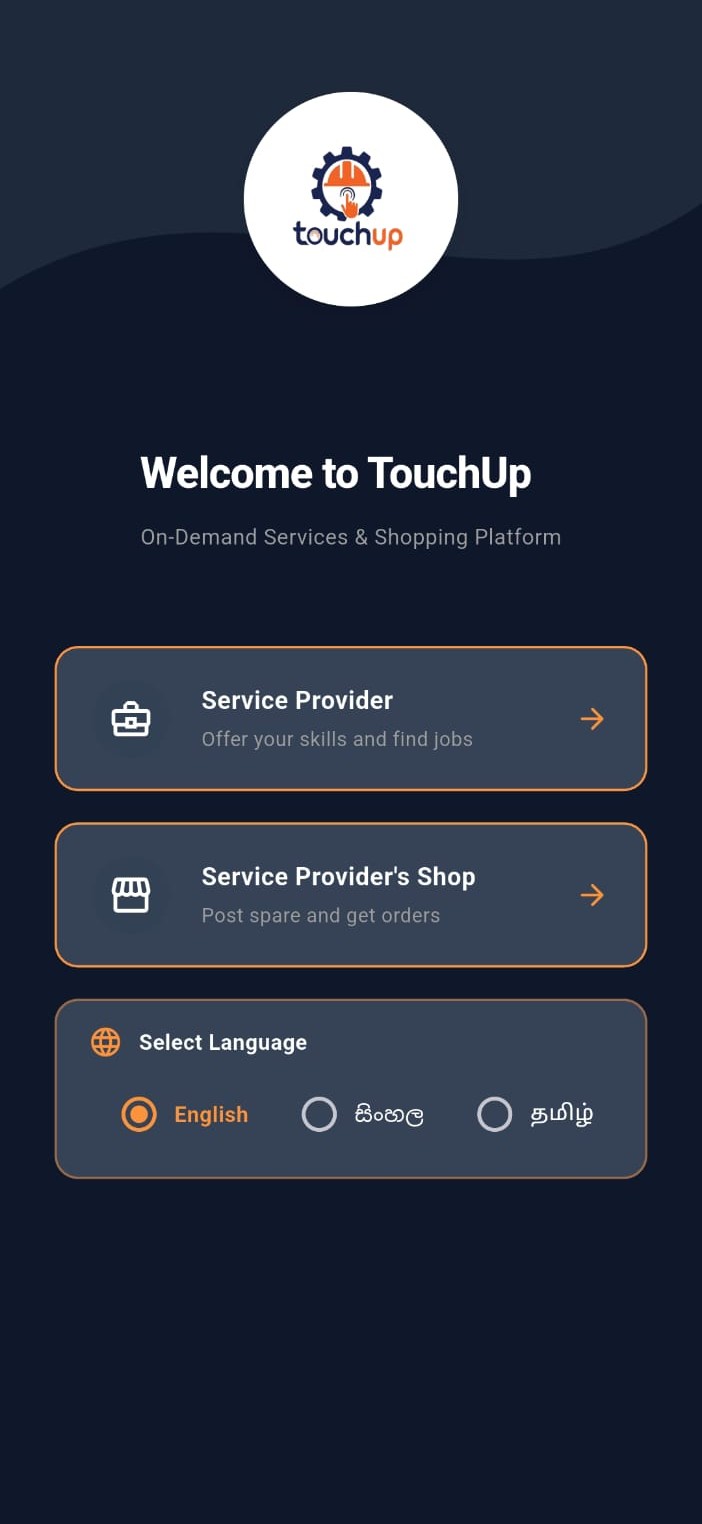
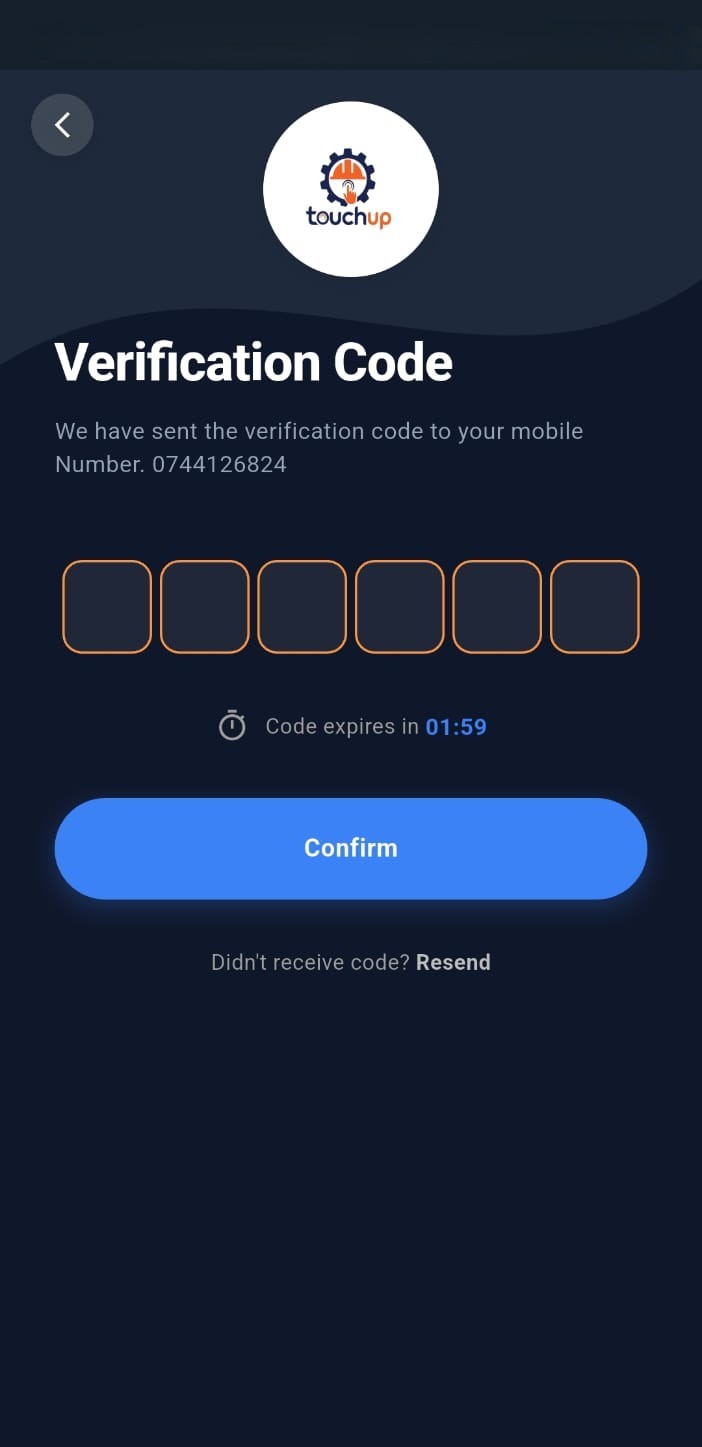
Choose your account type: Single Vendor (an independent professional) or Organization (a registered company). Enter your name, ID number, mobile number, address, and a password. Organizations also provide the company name, business registration number, and contact person, along with the data owner's personal details. We'll text you a 6-digit code to verify your mobile number.
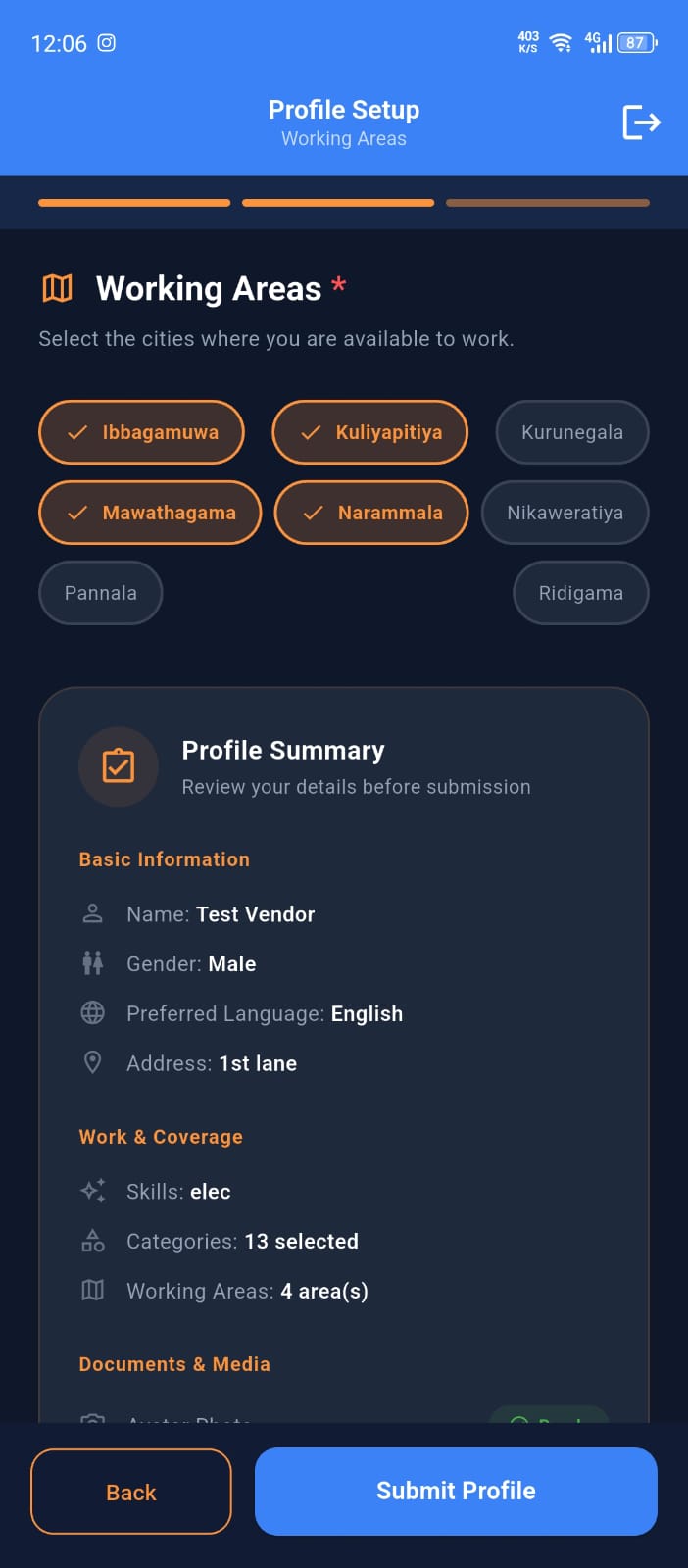
Complete your profile and verification
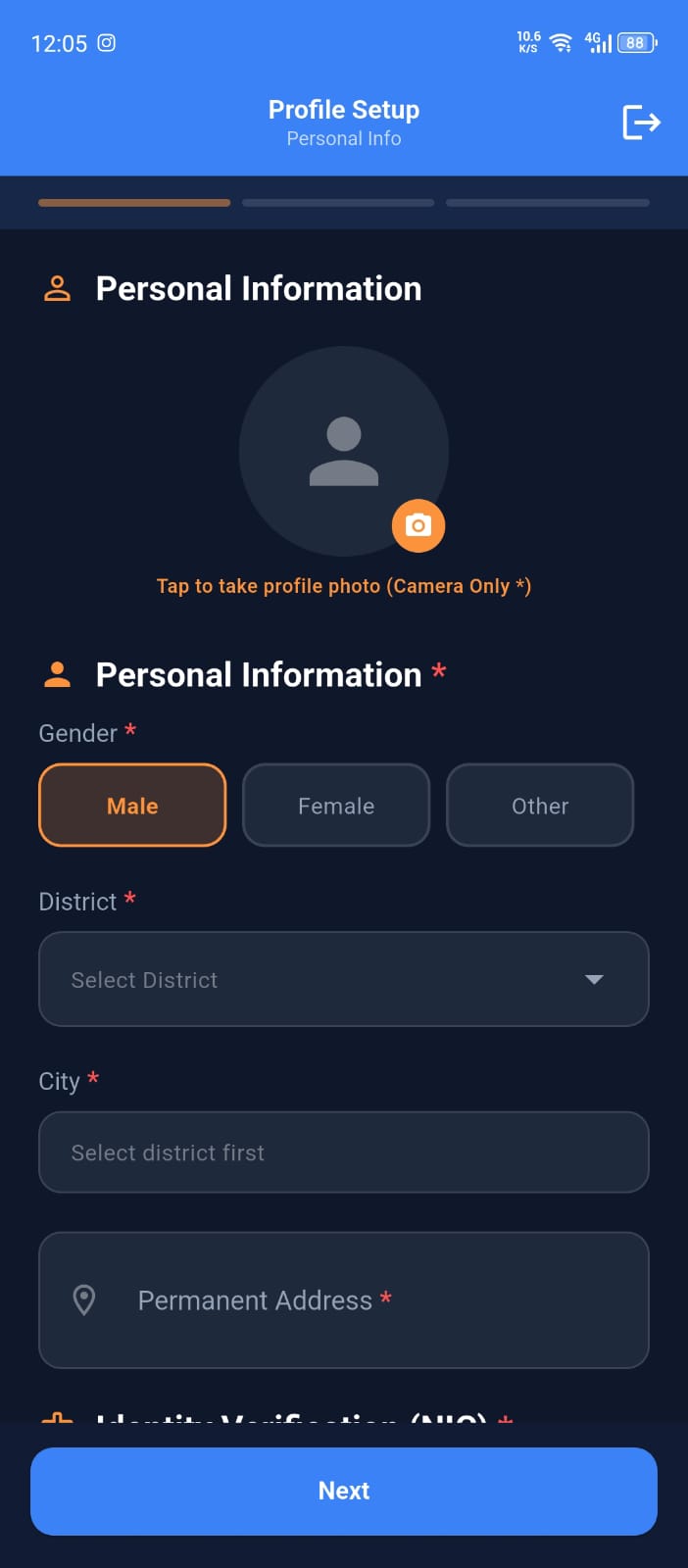
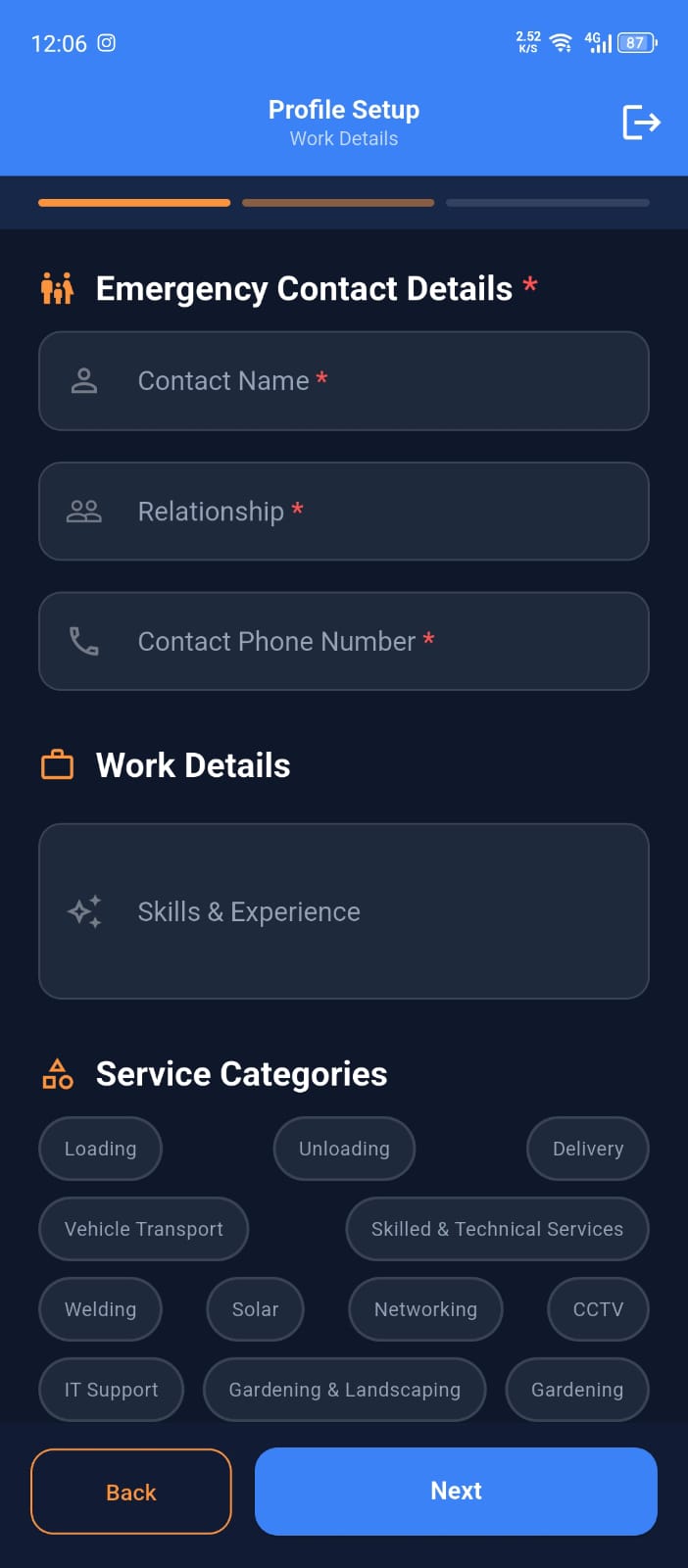
Single Vendors take a live profile photo with the in-app camera (gallery uploads aren't accepted), upload photos of their NIC, and add working areas, skills, and certificates where available. A guardian's name and contact number are also required, and the number must differ from your own. Organizations upload their logo and company registration document. Everyone submits bank account details with a bank statement so payouts can be enabled.
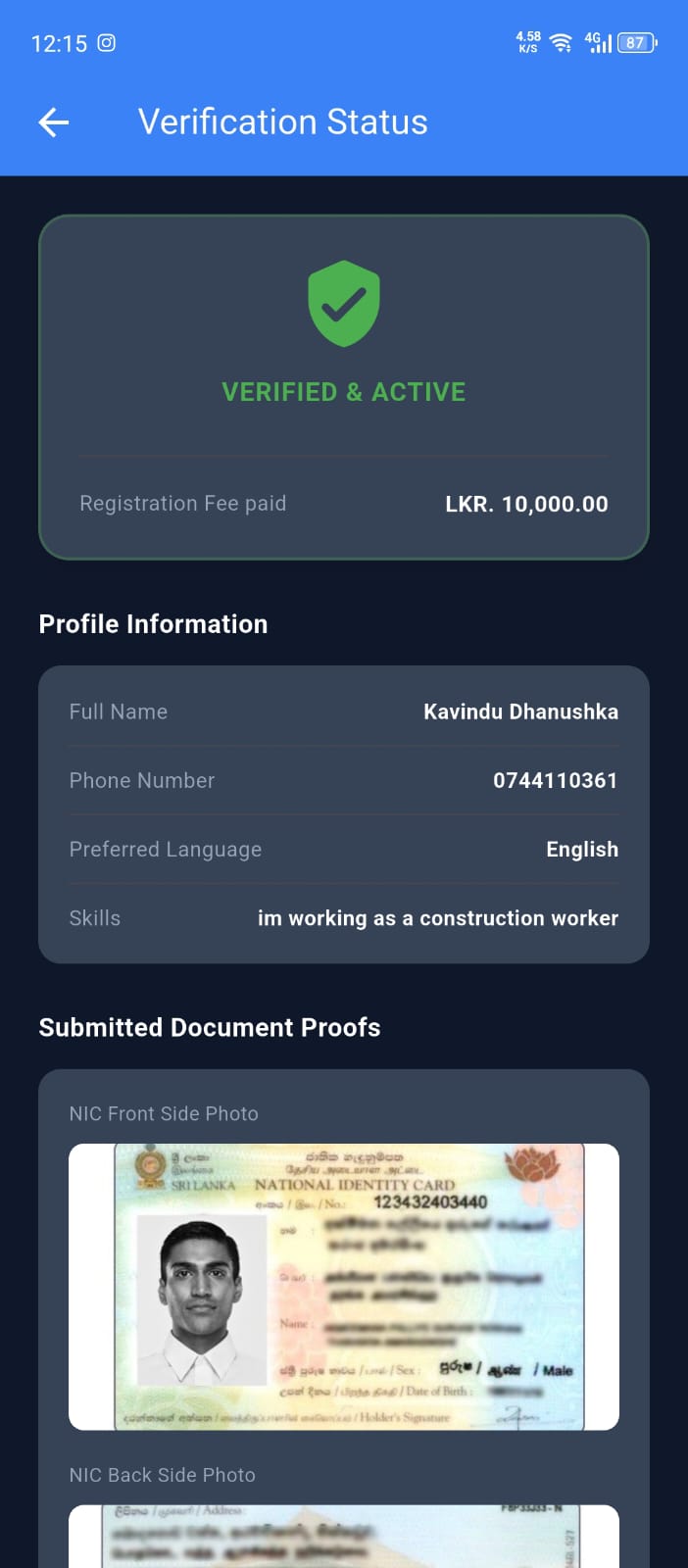
Pay the registration fee and get approved
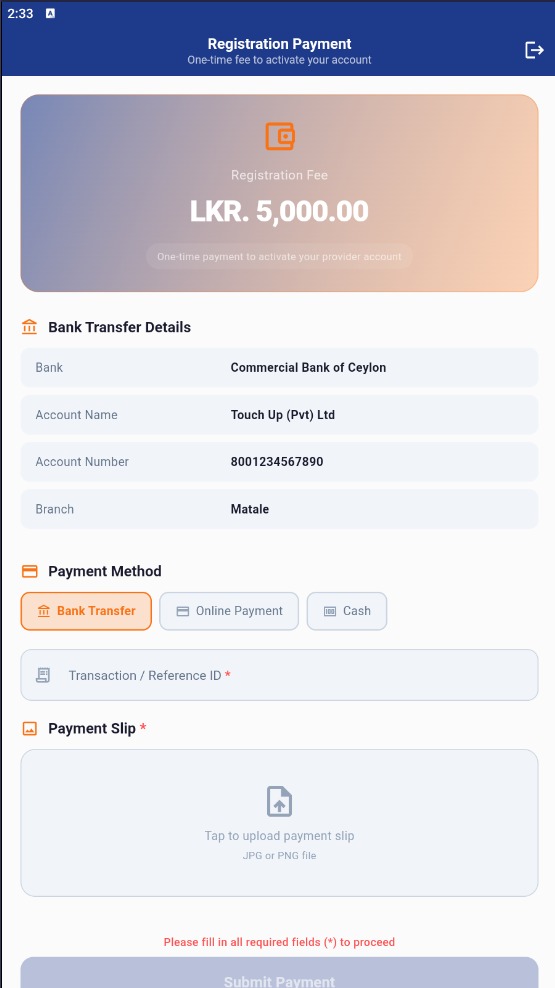
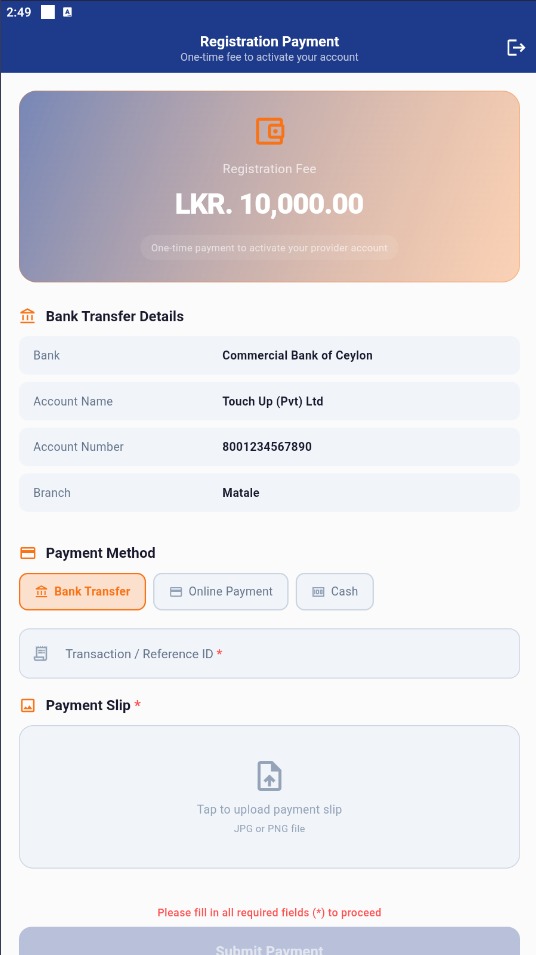
Pay the one-time registration fee: LKR 5,000 for Single Vendors or LKR 10,000 for Organizations. Our team then reviews your documents, and your listing goes live once you're approved. You'll be notified as soon as that happens. Organizations can also create accounts for their Handymen at this stage.
.jpeg)
Create your service listing
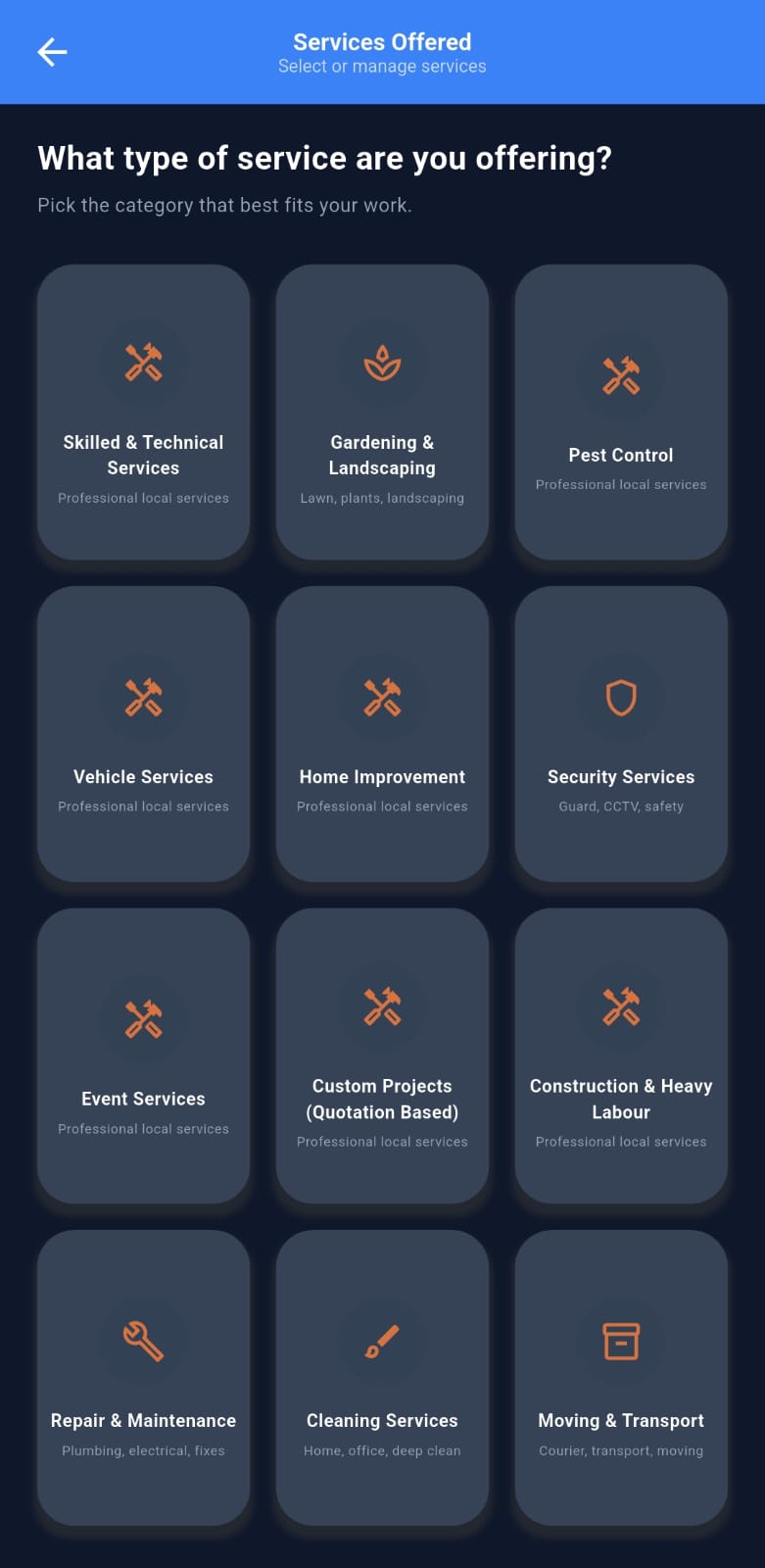
Use the guided step-by-step wizard to set up your service: choose a category, add a description, set your pricing (fixed, hourly, daily, per unit, per square foot, distance-based, package, or quotation), pick your working area and coverage radius, and set your availability. Add before and after photos to stand out. For jobs that are hard to price upfront, such as electrical work, you can set a base price. Organizations also assign Handymen to each service. You can save a draft at any step.
Receive requests and win jobs
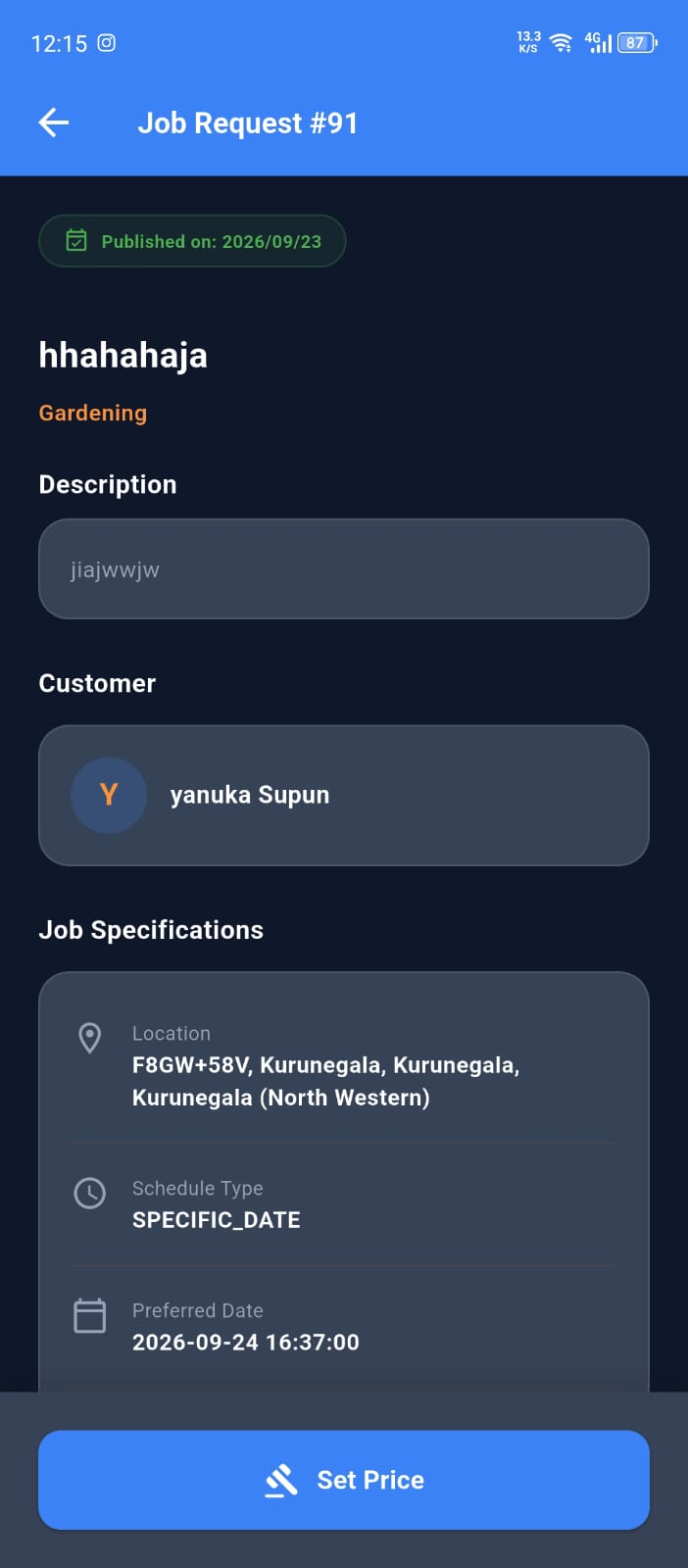
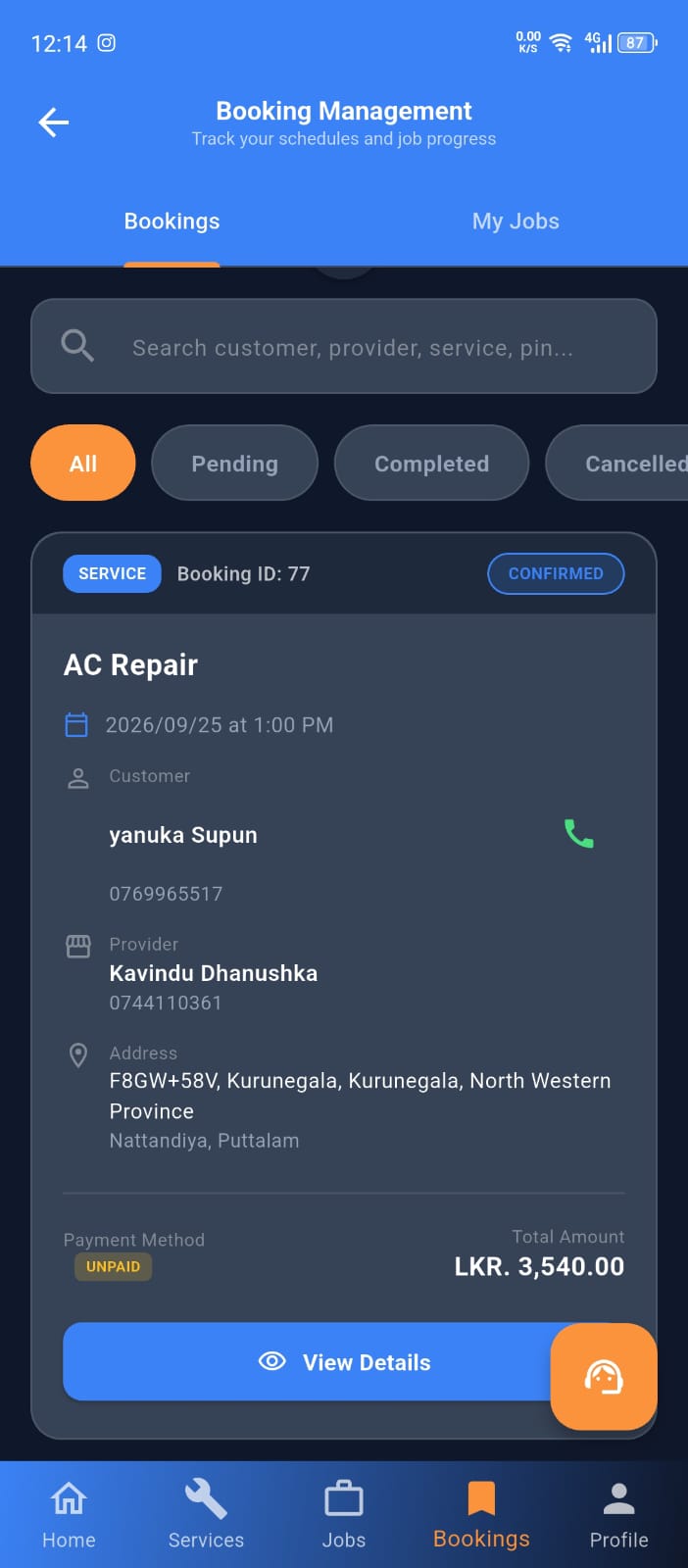
When a customer posts a request that matches your category and area, you'll be notified. Review the details, then submit a quote with your price, duration, and proposed start date, or skip it. If the customer accepts your quote, a booking is created and the deposit is collected. Organizations assign the job to one of their Handymen, who can then view the details, head to the site, and mark their arrival.
Do the job, get paid, and build your reputation
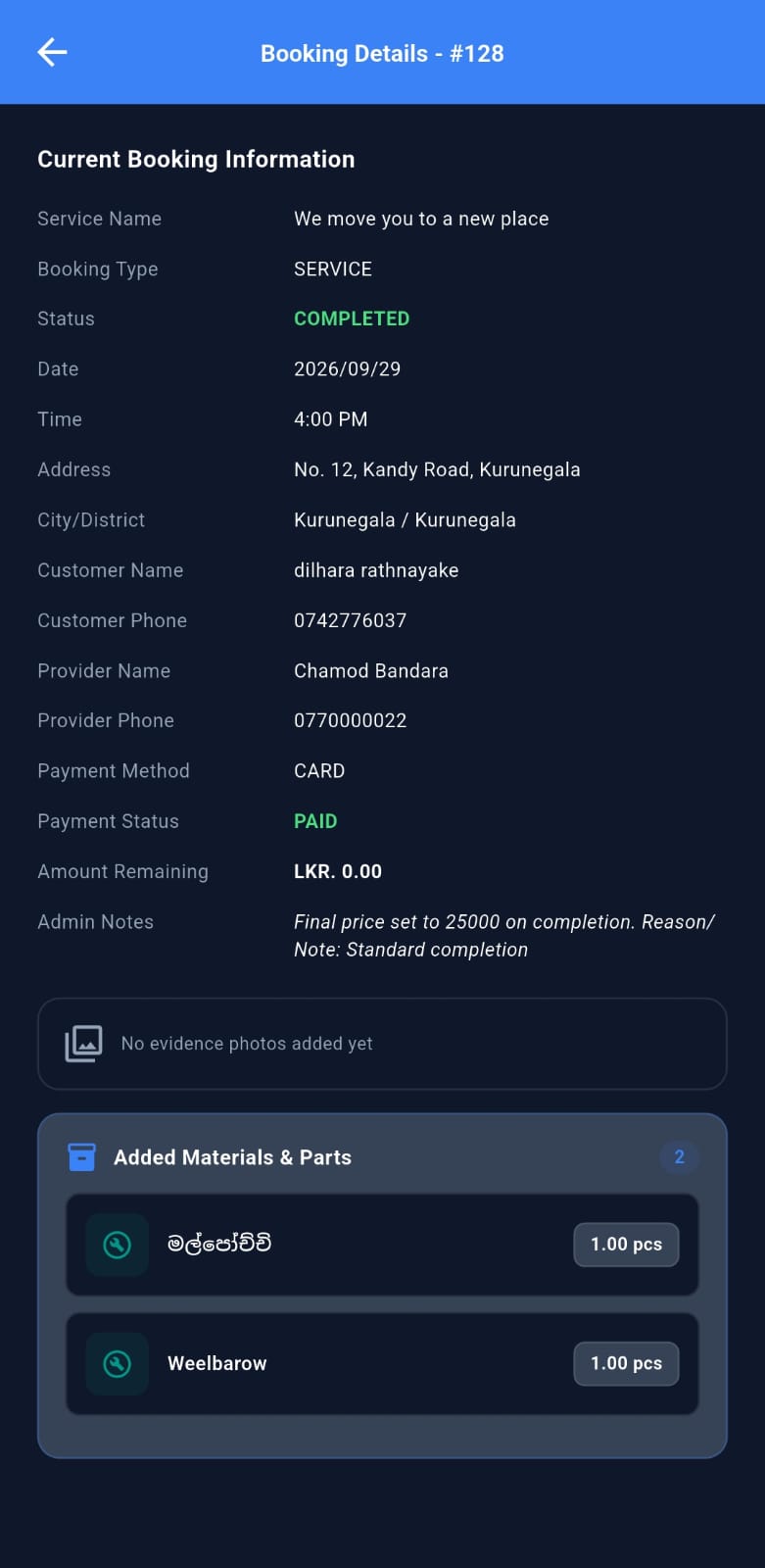
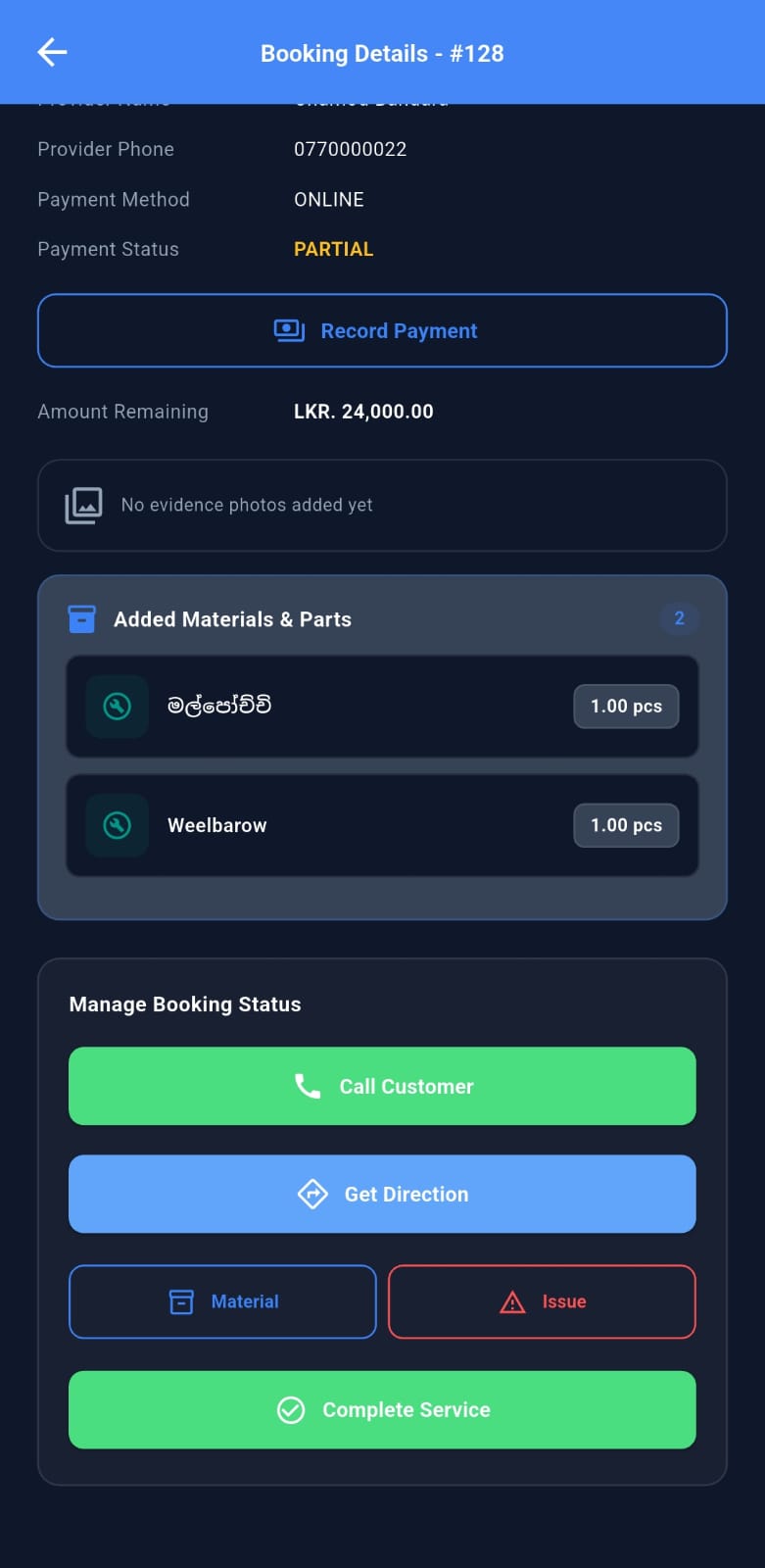
On site, the customer gives you a Start Code to begin work. Post progress photos and notes along the way, and log any extra materials needed so the customer can approve the updated cost. When the job is done, upload completion photos and confirm with the customer's Completion Code. Payment is released to your TouchUp wallet within 24 to 48 hours, minus the platform commission (8% on card payments, 10% on cash). You can withdraw to your bank account anytime, and organizations receive all earnings centrally. Customers then rate your work, which builds your profile and helps you win more jobs.
PREPARE FOR ANYTHING
A dedicated mobile suite empowering certified technicians with instant job matching, turn-by-turn navigation, and protected escrow payouts.
Ready To Start Receiving Jobs?
Download Touch Up Pro from the Play Store or App Store and verify your account today.